Authentication
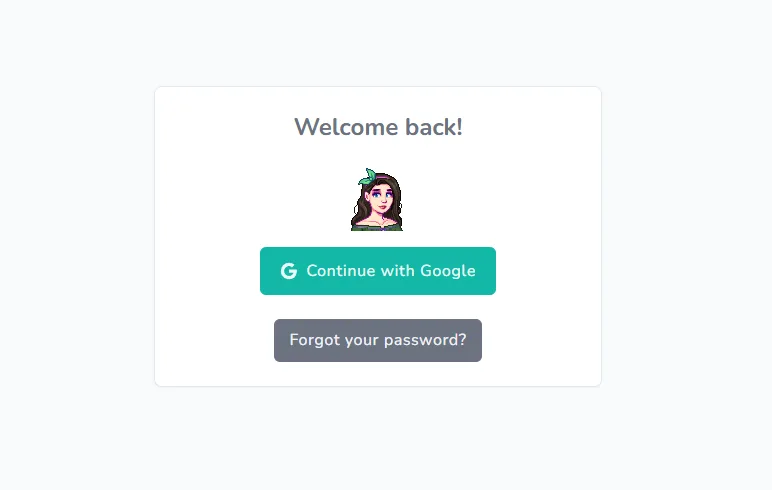
Google Account Login: Secure OAuth authentication with Google accounts
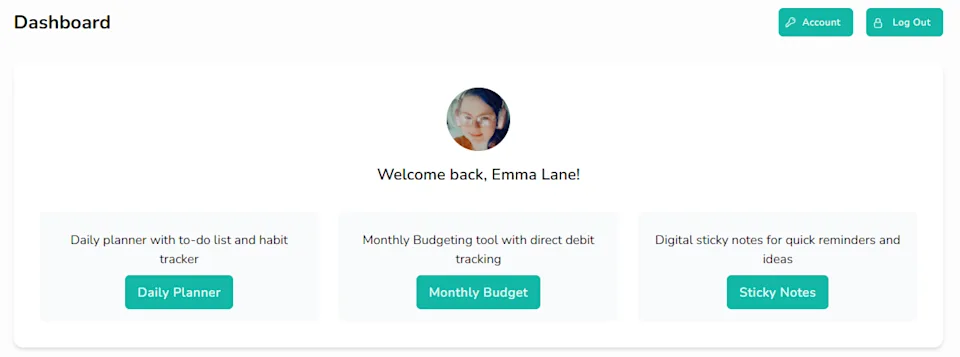
User-Specific Data: Each user has their own private workspace
Daily Planner & Task Management
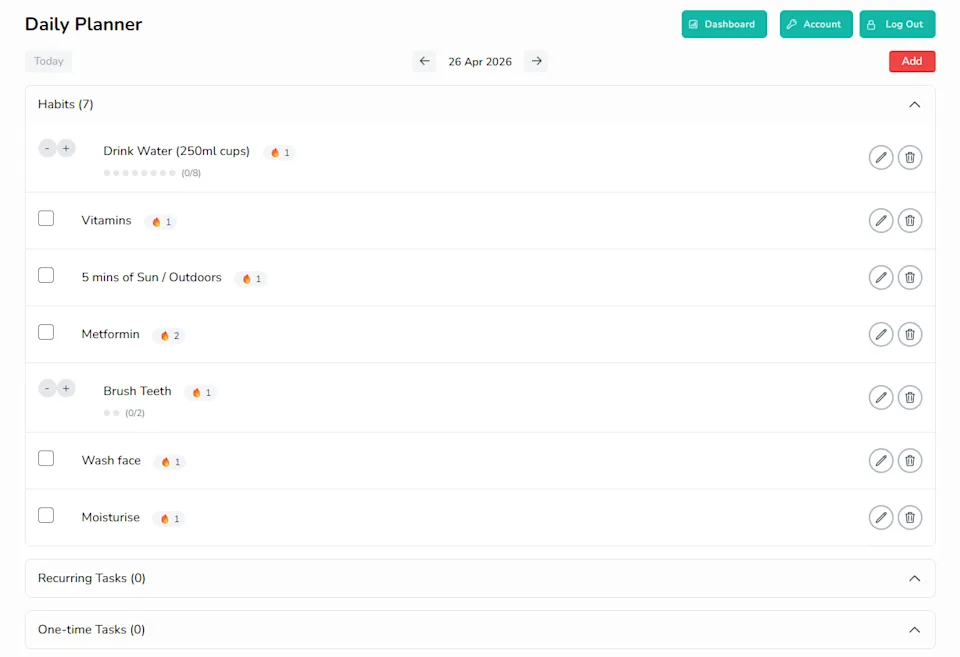
Task Operations: Create, read, update, and delete tasks
Task Types:
One-time tasks for single occurrences
Recurring tasks with custom frequency settings
Habit tracking with progress monitoring
Daily View: View and manage tasks organised by date
Progress Tracking: Monitor habit completion and task status
Monthly Budget Management
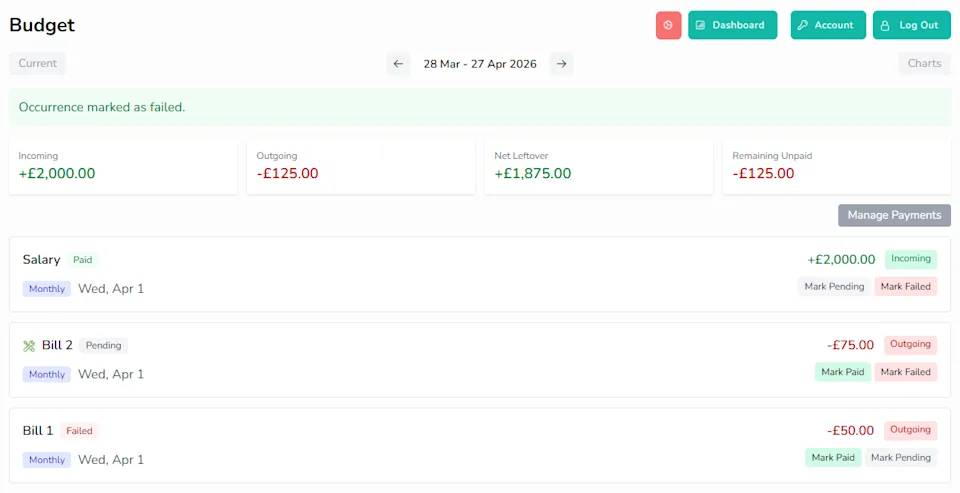
Budget Tracking: Create, read, update, and delete payments/budgets
Recurring Payments: Set up repeatable payments with frequency options (weekly, monthly, yearly)
Occurrence Tracking: Each recurrence generates individual payment occurrences that can be marked as paid
Pay Period Modes:
Weekly pay periods
Monthly pay periods with configurable start days
Financial Overview: Real-time totals for incoming, outgoing, net, and remaining amounts
Smart Ordering: Occurrences automatically ordered by date, direction, and amount
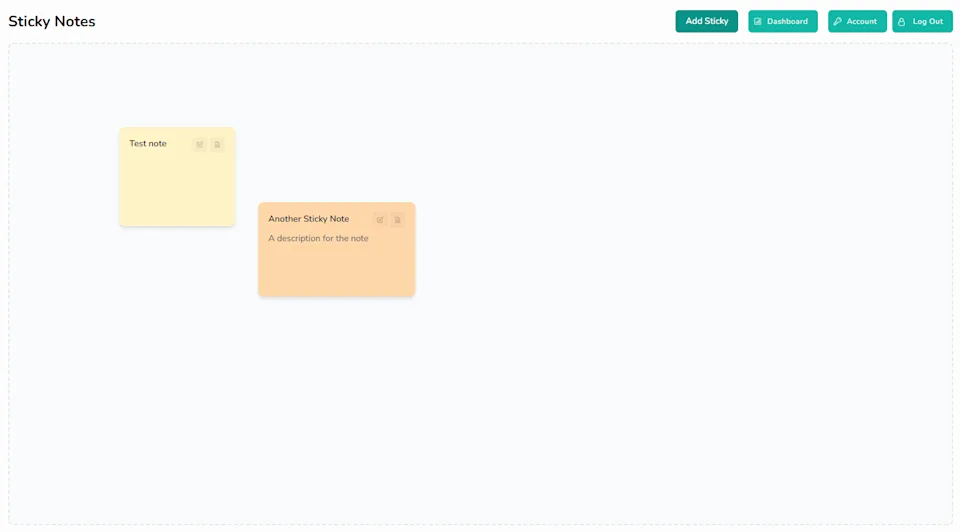
Digital Sticky Notes
Sticky Notes Management: Full CRUD operations for notes
Drag & Drop: Move notes around the board with mouse or touch input
Resizable: Adjust note size by dragging corner handles
Mobile Support: Full touch support for mobile devices
Auto-Resize: Notes automatically resize to fit their content
Colour Options: 8 predefined colours for visual organisation
Inline Editing: Double-click to edit the title and content directly
Smart Positioning: Mobile-friendly positioning keeps notes within screen bounds
User Experience
Responsive Design: Works seamlessly on desktop and mobile devices
Modern UI: Overlay forms, mobile-friendly layout, accent-themed buttons
Real-time Updates: Instant feedback and smooth interactions